
| Contractor |

|
Eagle Eye Filmproduktion | ||||||
| Format |

|
Animated Feature Film, 86 Minutes | ||||||
| Credits |

|
|
||||||
| Release |

|
Germany: 2024-06-27, US & Canada: 2025-09-12 | ||||||
| Disciplines |

|
Pipeline, CG Supervision, IT | ||||||
| Software |

|
Blender, Python, Kitsu |
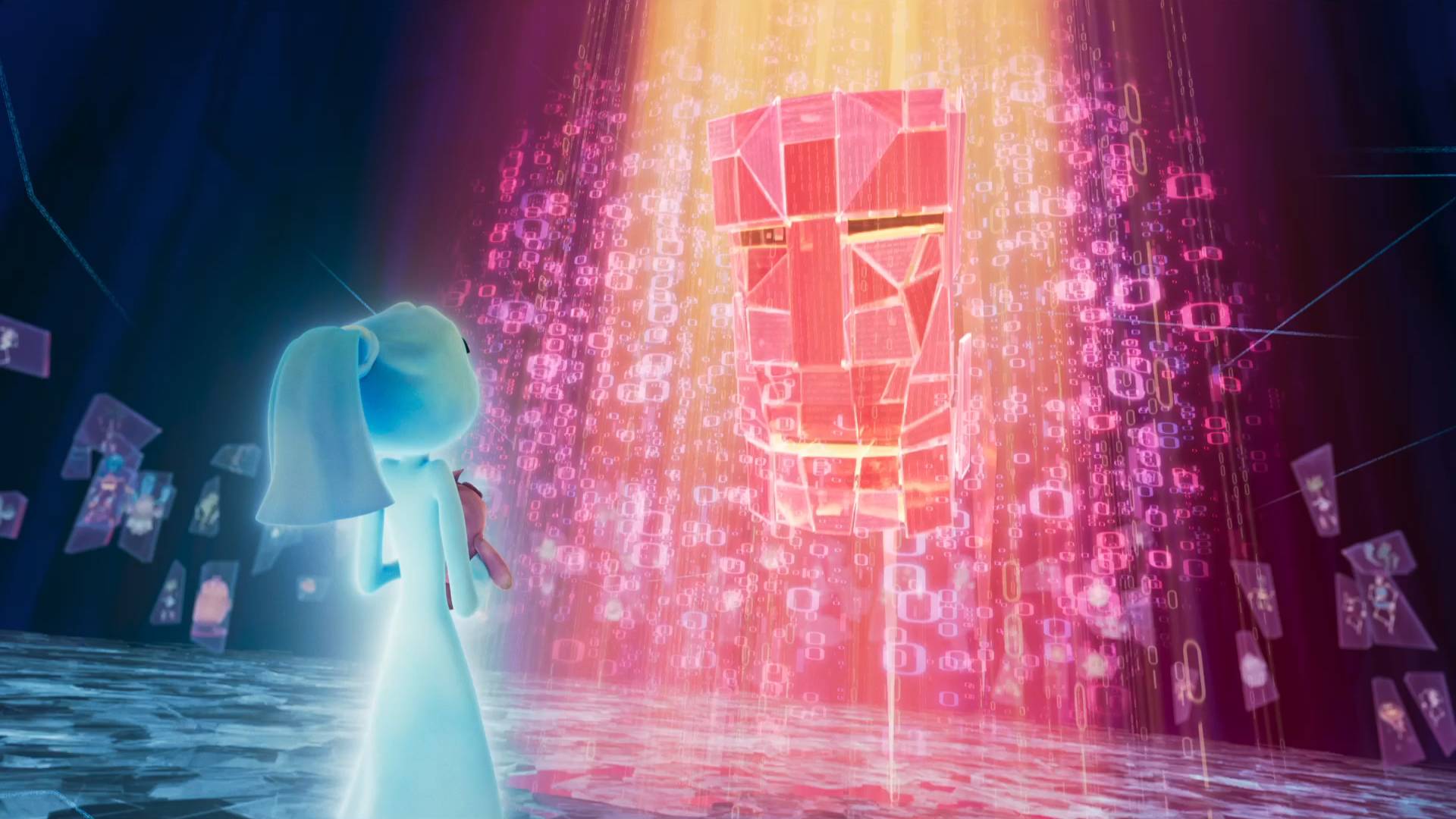
Elli prefers lending a helping hand over being a scary ghost. When drones start capturing creatures across town, she teams up with a lovable crew of misfit monsters to rescue her family.
Elli and her Monster Team is the first animated feature film using the Eagle Pipe studio pipeline. I oversaw development as Lead Pipeline Technical Director and ensured our software met production requirements for all departments.
Since multiple studios in different countries were involved, I made sure deployment was smooth and guaranteed cross-studio compatibility. I managed local Linux infrastructure as well as AWS cloud resources, and was responsible for storage management and file synchronization.
Shots
Here’s a selection of my favorite shots from Elli.
Pipeline
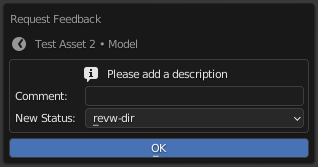
I defined and maintained the core package with an extendable modular structure. Until the end of production, our team of developers added 42 modules, each covering a different department, tool or process. The pipeline connects to Kitsu and enables artists to work on their tasks from assignment to approval without leaving Blender.
Updater
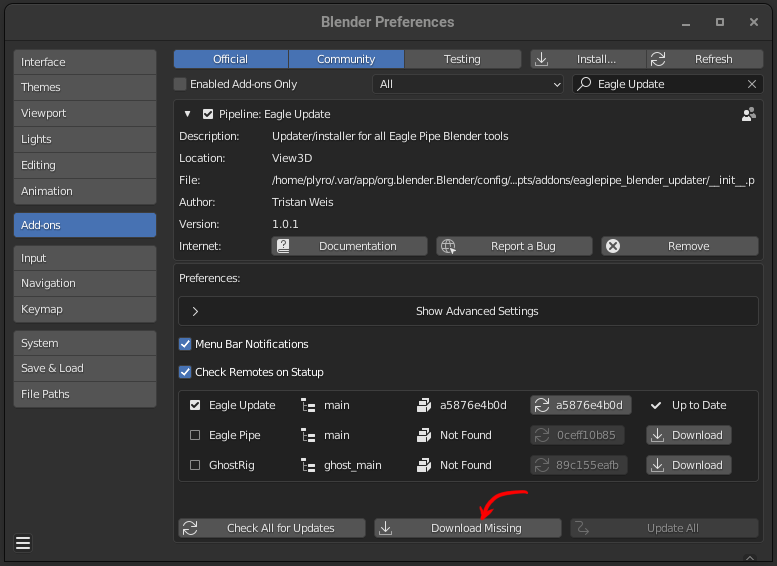
Both (external) studios’ artists and freelancers have to download and install just one Blender extension: Eagle Update. The add-on connects to our git server and checks for/downloads updates for any of our tools – including itself. It provides menu bar notifications that make it possible to update the pipeline in one click.
Splash Tasks
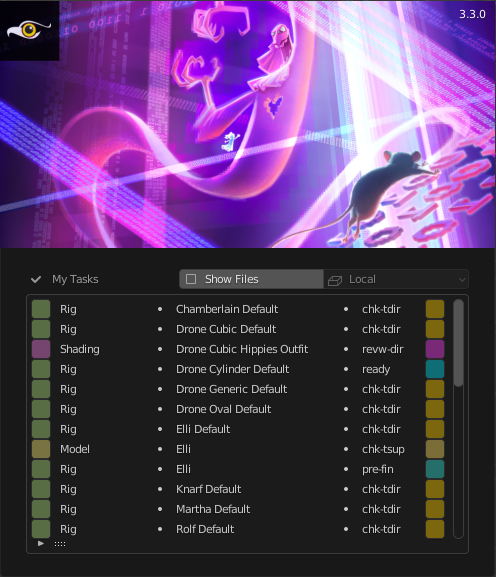
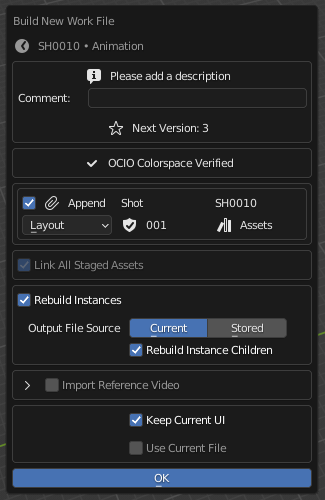
Artists are able to start or continue their assigned tasks directly from Blender’s splash screen. For new tasks, a file builder helps them assemble everything they need to start working.
Browser
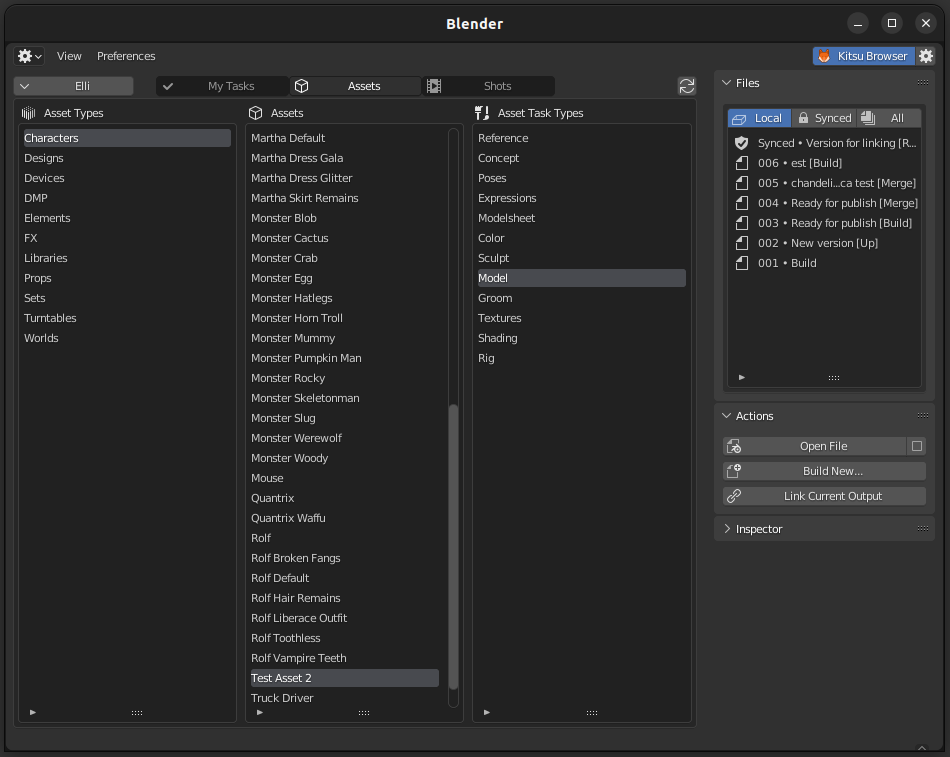
A new Kitsu Browser view lets artists browse entities and tasks in a multi-column layout. Files can be created, opened, imported or linked from here. Artists never have to touch the underlying file system.
Link Manager
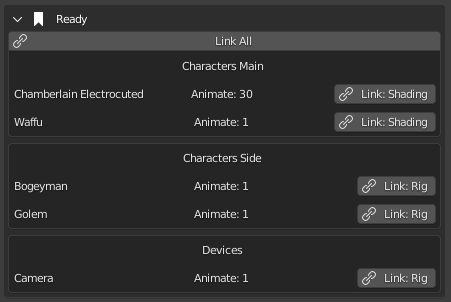
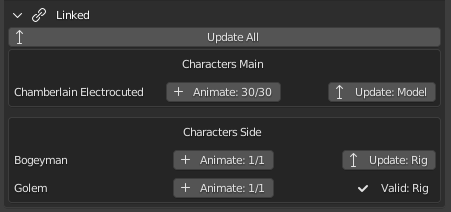
The Link Manager panel in the 3D viewport lets artists link staged assets in one click – or update existing links to the current version. New instances can be created from here, as well.
Turntable
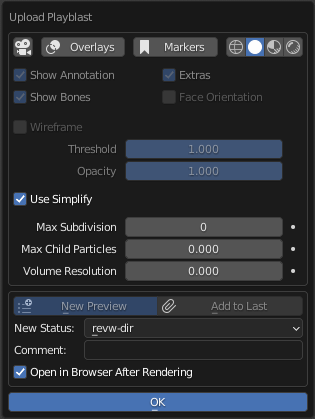
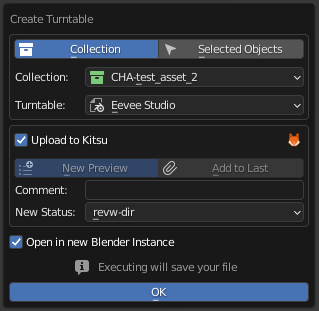
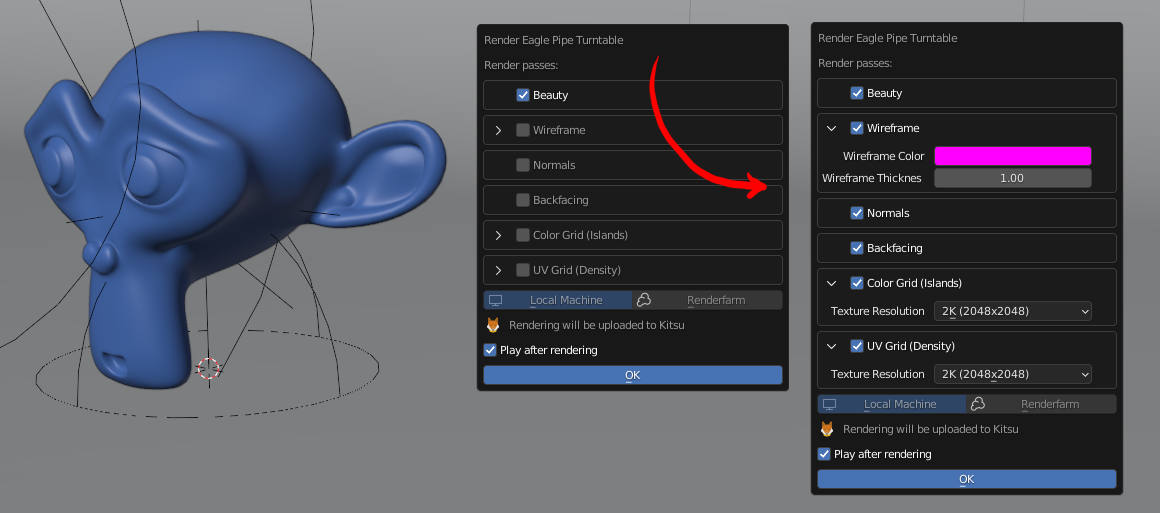
Turntables for asset previews can be rendered and uploaded in just a few clicks. If needed, the setup can be adjusted and (instead of a local EEVEE render) sent to a render farm.
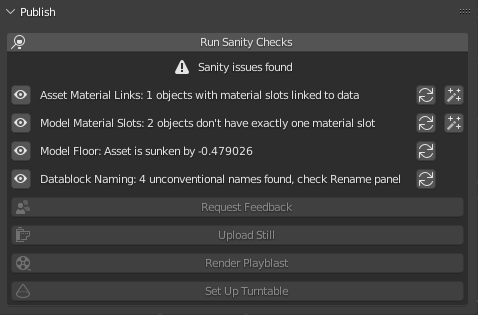
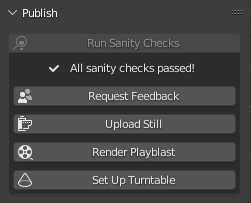
Sanity Checks
To ensure data integrity, we added a total of 109 sanity checks. They can be performed at any time but are mandatory before publishing data to the pipeline. Some of them are just “warnings” (they can be skipped) and many of them come with an automatic, one-click fix. They are organized hierarchically, so they can build on each other and stop at a failing parent. Sanity checks can be added from any point in any module, so developers can always ensure new tools come with the appropriate safeguards.